MacBook Air vs MacBook Pro: Which Should You Buy in 2026?
Choosing between the MacBook Air and MacBook Pro comes down to how you plan to use your laptop. The Air is generally a good fit for everyday tasks, study and portability, while the Pro is designed for users who need sustained performance for demanding workloads, along with features such as a more advanced display and additional ports.
The right choice depends on your workload, budget, portability needs and the software you use. The comparison below covers key features and Australian pricing to help you decide which MacBook offers the best value for your needs.
Difference Between MacBook Air and MacBook Pro
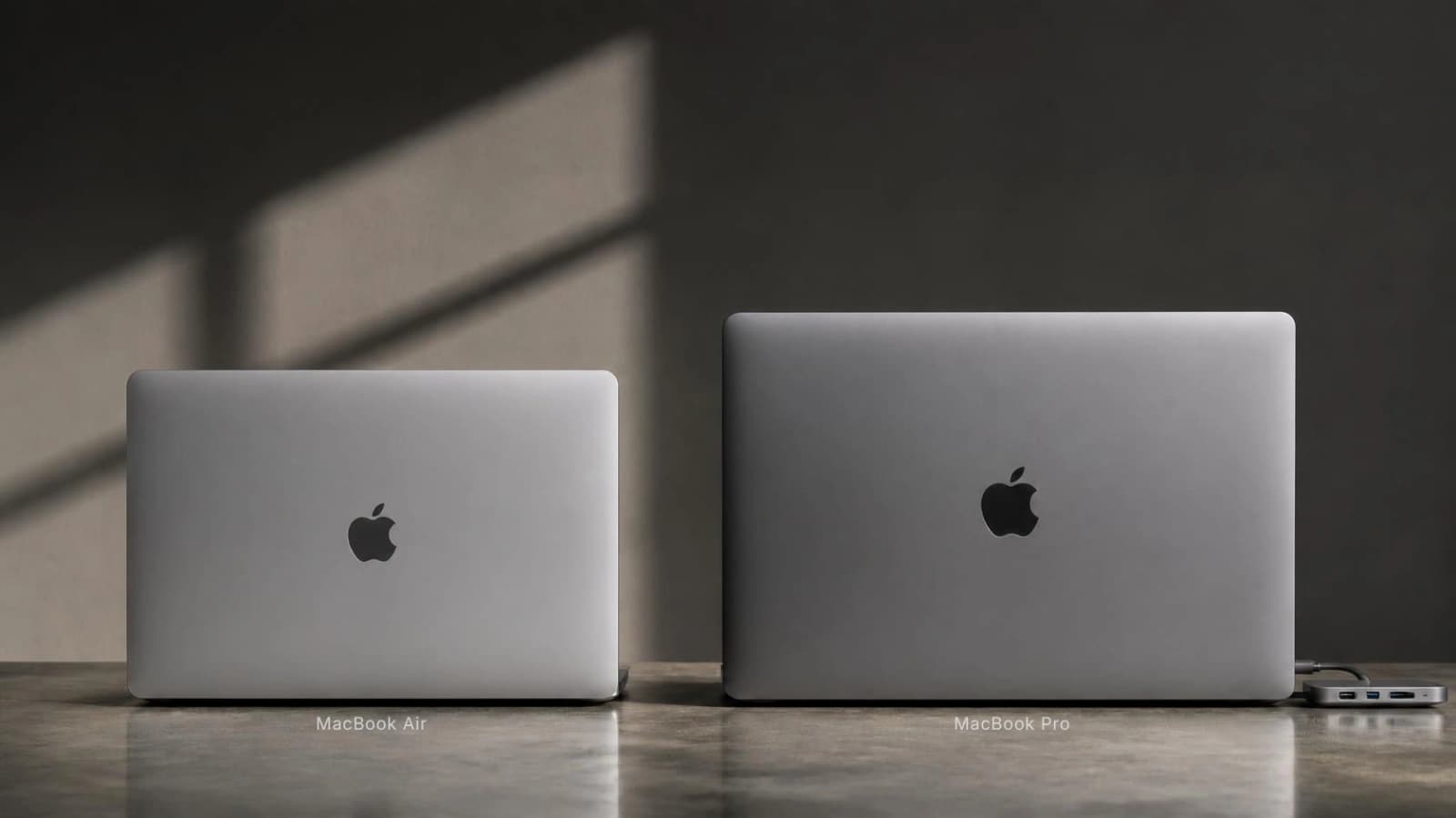
The MacBook Air is a thin, fanless laptop for everyday work, study and lighter creative tasks, starting at A$2,099. The MacBook Pro adds a fan for sustained heavy workloads, a brighter mini-LED Liquid Retina XDR display with ProMotion up to 120Hz, an HDMI port and SDXC card slot, and longer quoted battery life, starting at A$3,199 for the 14-inch M5 model. The 13-inch Air weighs 1.23kg compared with 1.55kg for the 14-inch Pro with M5.
In short, the Air suits students, office workers and everyday users, while the Pro suits video editors, developers with heavy builds and creative professionals who need M5 Pro or M5 Max options.
MacBook Air vs MacBook Pro: Key Differences Compared
This table compares the current M5 MacBook Air with the entry 14-inch MacBook Pro with M5, using Apple Australia's MacBook Air technical specifications and Apple Australia's MacBook Pro technical specifications.
| Factor | MacBook Air (M5) | MacBook Pro 14-inch (M5) |
|---|---|---|
| Starting price (AUD) | A$2,099 (13-inch, 16GB, 512GB); A$2,499 (15-inch) | A$3,199 (16GB, 1TB); M5 Pro from A$3,999 |
| Processor | M5, 10-core CPU, 8-core or 10-core GPU | M5, 10-core CPU, 10-core GPU; M5 Pro and M5 Max available |
| Memory | 16GB, 24GB or 32GB | 16GB, 24GB or 32GB (M5); up to 128GB with M5 Max |
| Storage | 512GB to 4TB | 1TB to 4TB (M5); up to 8TB with M5 Max |
| Display | 13.6-inch or 15.3-inch Liquid Retina (IPS, LED), 500 nits, no ProMotion | 14.2-inch Liquid Retina XDR (mini-LED), 1,000 nits SDR outdoors, 1,600 nits HDR peak, ProMotion up to 120Hz |
| MacBook Air vs Pro battery life | Up to 18 hrs video streaming, 15 hrs wireless web (53.8Wh, 13-inch) | Up to 24 hrs video streaming, 16 hrs wireless web (72.4Wh) |
| Weight | 1.23kg (13-inch); 1.51kg (15-inch) | 1.55kg |
| Cooling | Fanless, passive cooling | Active cooling with a fan |
| Ports | 2 x Thunderbolt 4, MagSafe 3, headphone jack; up to 2 external displays | 3 x Thunderbolt 4, HDMI, SDXC slot, MagSafe 3, headphone jack; up to 2 external displays |
| Performance | Fast for everyday work and short bursts of heavy work | Better at holding performance during long exports, builds and renders |
| Portability | Thinnest and lightest; easy for uni and commuting | Thicker and heavier, but still portable |
| Best suited for | Students, office work, everyday use, light creative work | Video editing, heavy development, display-critical creative work |
About battery estimates: Apple tested both models the same way (1080p video in Safari and browsing 25 websites over Wi-Fi, with brightness set eight clicks from the bottom), but on different configurations and dates. The Air was tested in January 2026 with 16GB and 512GB; the Pro in September 2025 with 24GB and 1TB. These are Apple's advertised estimates, not independent results, and real-world runtime drops with higher brightness, video calls or heavy apps.
Best MacBook Air vs MacBook Pro Options in Australia
Apple raised Australian Mac prices in June 2026, lifting the 13-inch Air from A$1,799 to A$2,099 and the base MacBook Pro from A$2,699 to A$3,199, as reported by Information Age, the ACS publication. That makes choosing the right configuration more important than ever.
| Configuration | Apple AU price |
|---|---|
| MacBook Air 13-inch, M5 8-core GPU, 16GB, 512GB | A$2,099 |
| MacBook Air 13-inch, M5 10-core GPU, 16GB, 1TB | A$2,549 |
| MacBook Air 13-inch, M5 10-core GPU, 24GB, 1TB | A$2,849 |
| MacBook Air 15-inch, M5 10-core GPU, 16GB, 512GB | A$2,499 |
| MacBook Pro 14-inch, M5 10-core GPU, 16GB, 1TB | A$3,199 |
| MacBook Pro 14-inch, M5, 24GB, 1TB | A$3,499 |
| MacBook Pro 14-inch, M5 Pro 15-core CPU, 16-core GPU, 24GB, 1TB | A$3,999 |
| MacBook Pro 16-inch, M5 Pro 18-core CPU, 20-core GPU, 24GB, 1TB | A$4,799 |
For most buyers, memory and storage choices matter more than moving to a higher chip tier. Memory cannot be upgraded later, so 16GB is generally enough for students and office users, while 24GB or more is worth considering for developers and creators with demanding workloads. Storage is easier to expand with an external SSD. Consider an M5 Pro or M5 Max only if your work regularly benefits from the additional CPU and GPU performance.
MacBook Air M5 vs MacBook Pro M5
Both M5 ranges are officially available in Australia.
| Specification | Air 13-inch M5 | Air 15-inch M5 | Pro 14-inch M5 |
|---|---|---|---|
| Chip | M5, 10-core CPU, 8-core GPU (10-core optional) | M5, 10-core CPU, 10-core GPU | M5, 10-core CPU, 10-core GPU |
| Display | 13.6-inch Liquid Retina | 15.3-inch Liquid Retina | 14.2-inch Liquid Retina XDR, 120Hz |
| Base memory/storage | 16GB / 512GB | 16GB / 512GB | 16GB / 1TB |
| Battery (Apple estimate) | Up to 18 hrs video | Up to 18 hrs video | Up to 24 hrs video |
| Weight | 1.23kg | 1.51kg | 1.55kg |
| Ports | 2 x Thunderbolt 4 | 2 x Thunderbolt 4 | 3 x Thunderbolt 4, HDMI, SDXC |
| Starting price | A$2,099 | A$2,499 | A$3,199 |
| Best for | Students, travel | Multitasking, bigger screen | Sustained creative and dev work |
The chips share the same M5 name, but performance can vary by configuration. The entry-level 13-inch MacBook Air has fewer GPU cores, while the MacBook Pro's active cooling helps it maintain performance during sustained, demanding workloads.
The price difference between the entry-level models is A$1,100. However, the gap drops to A$650 when comparing the Pro with a 13-inch MacBook Air configured with 1TB of storage at A$2,549. For creative professionals and developers running demanding workloads, the Pro's display, additional ports and cooling may justify the extra cost. For everyday tasks, general study and web browsing, the Air may provide everything they need.
What About the MacBook Neo?
The MacBook Neo is Apple's entry-level laptop, starting at A$1,049 for the 256GB model and A$1,249 for the 512GB model with Touch ID. According to Apple Australia's MacBook Neo technical specifications, it features an A18 Pro chip with a six-core CPU and five-core GPU, 8GB of memory, and a 13-inch display with 500 nits of brightness and sRGB colour support. Apple advertises up to 16 hours of video streaming, and the laptop weighs 1.23kg.
In a MacBook Neo vs MacBook Air comparison, the Neo offers a lower entry price but comes with trade-offs. Its memory is fixed at 8GB, it lacks P3 wide colour support, and its two USB-C ports have different capabilities: one supports USB 3 and the other USB 2. The MacBook Air offers two Thunderbolt 4 ports in the configurations being compared, along with support for a wider range of demanding workflows.
The Neo may suit students and everyday users who mainly browse the web, write documents and attend online classes. If you regularly edit photos or videos, run demanding applications, or want more memory for multitasking over several years, the MacBook Air's 16GB configuration may be worth considering.
Which MacBook Suits Your Work?
MacBook Air vs Pro for Video Editing
The MacBook Air is capable of handling 1080p editing, short social media videos and many everyday creative tasks. It can also handle 4K editing, depending on the project, software and configuration. For larger 4K projects, 24GB of memory and 1TB of storage may provide more room for demanding workflows and media files.
The MacBook Pro becomes more appealing when working with multicamera timelines, complex effects, colour grading and lengthy exports. Its active cooling helps maintain performance during sustained workloads, while its advanced display options can benefit professionals working with HDR footage. If you edit on an external monitor, check the supported display configurations of your chosen model before buying, as the Air may already meet your needs.
MacBook Air vs Pro for Programming
For web development and general programming, a MacBook Air with 16GB of memory can handle many common workloads, including an IDE, browser tabs and everyday development tools. However, Docker containers, virtual machines and local databases can consume substantial memory, making a 24GB or 32GB configuration worth considering for more demanding projects.
The MacBook Pro may be a better fit for developers who regularly compile large projects or run several resource-intensive tools at once. Higher-tier chip configurations can also offer additional processing and graphics capabilities, depending on the model. Before buying, check the external-display support and memory options of the exact configuration you plan to use. The Air's lighter design may be more convenient for students, commuters and developers who work remotely.
Is the MacBook Air Better Value for Money?
For many everyday users, the MacBook Air offers a practical balance of performance, portability and price. A configuration priced at A$2,099 may be suitable for university study, office applications, web browsing, light photo editing and travel, provided its specifications meet your needs.
A MacBook Pro priced at A$3,199 or more may be worth considering if you regularly edit demanding video projects, need its display capabilities and additional ports, or require a higher-performance configuration. For email, documents, online classes and streaming, however, the Pro's additional features may not make a noticeable difference to everyday use.
Compare the specifications and prices of equivalent configurations before deciding. The best value depends on how you use your laptop, how much memory and storage you need, and how long you intend to keep it.
Is a Refurbished MacBook Worth It?
A refurbished MacBook can save you hundreds of dollars, but its value depends on its age, condition, specifications, price and warranty, not its original retail price. Before buying, check the following:
- Battery health and cycle count: Check the battery condition in macOS or ask the seller for a battery health report.
- macOS compatibility: Check Apple's official compatibility list for the exact MacBook model. Older Intel models may have more limited future software support than newer Apple silicon models.
- Hardware condition: Ask about previous repairs and inspect the screen, keyboard, trackpad, ports and casing.
- Warranty and returns: Confirm the warranty period, what it covers and the return policy in writing.
- Memory and storage: Choose enough memory and storage for your needs, as these components generally cannot be upgraded on Apple silicon MacBooks after purchase.
- Exact model and year: Verify the model name, release year, processor and specifications before comparing prices.
- Seller reputation: Choose a seller that explains its testing process and provides clear warranty terms.
DV Computers offers refurbished computers and laptops, which can be a practical option for buyers looking to manage their budget. Browse the available computers at DV Computers and check each listing for the exact model, condition, specifications and current price.
If your MacBook needs a battery replacement, screen repair or other servicing, DV Computers also provides Apple and MacBook repair services in Perth. Contact the team to discuss your device and available repair options.
Which MacBook Should I Buy?
- Everyday users: The 13-inch MacBook Air (A$2,099) covers browsing, streaming, email and office work; the 15-inch adds screen space.
- Students: The Air's light weight and long battery life suit uni days. Students with light needs could consider the MacBook Neo, after checking course software requirements.
- Programmers: An Air with 24GB suits most web and app development. Choose a Pro if you run heavy containers, virtual machines or long compiles daily.
- Video editors and creative professionals: The Pro suits sustained exports, multicam work and HDR grading; an Air handles lighter 1080p and social work.
- Budget-conscious buyers: A previous-generation Apple silicon model or a well-tested refurbished MacBook with warranty can offer strong value.
Frequently Asked Questions
Does MacBook Air have a fan?
No. The MacBook Air uses a fanless design, so it operates silently under normal conditions. The MacBook Pro uses active cooling, which helps it maintain performance during demanding tasks that run for extended periods.
Is MacBook Pro worth the extra money?
It can be worth the extra cost if you regularly edit demanding video projects, compile large software projects, or need features such as an advanced display, HDMI connectivity and an SD card slot. For most students and office users, a MacBook Air may provide sufficient performance at a lower price.
Which MacBook has better battery life?
Battery life depends on the exact model and how you use it. Apple advertises up to 24 hours of video streaming for the 14-inch MacBook Pro with M5 and up to 18 hours for the M5 MacBook Air. These are manufacturer estimates, and actual runtime varies with screen brightness, applications, settings and workload. Check Apple's specifications for the models you are comparing.
Can a MacBook Air handle video editing?
Yes. The MacBook Air can handle 1080p editing and many 4K projects, depending on the software, project complexity and configuration. More memory and storage can help with larger projects. For multicamera timelines, complex effects and frequent long exports, a MacBook Pro may be more suitable.
Is MacBook Air good for programming?
Yes. A MacBook Air can handle web development, general coding and many development environments. More memory may be useful when running Docker, virtual machines, local databases or several demanding applications simultaneously. Developers who regularly compile large projects may benefit from the MacBook Pro's sustained performance.
Is a refurbished MacBook worth it?
A refurbished MacBook can offer good value if the price reflects its age, specifications and condition. Before buying, check battery health, macOS compatibility, memory, storage, warranty coverage and the seller's testing procedures. Compare the total cost with a new model before deciding.
Final Thoughts
The MacBook Air is a practical choice for people who prioritise portability, silent operation and value. The MacBook Pro may be a better fit for users who need sustained performance, advanced display features or additional connectivity for demanding workloads.
Before buying, compare the specifications, memory, storage, price and expected lifespan of each model against your actual needs.
Considering a new or refurbished computer? Browse the DV Computers online shop to check available options, or contact the DV Computers team in Myaree to enquire about current stock. Availability and pricing may change.
Prices are Apple Australia recommended retail prices, checked October 2026.
Sources: Apple, MacBook Air specs, Apple, MacBook Pro specs, Apple, MacBook Neo specs and Information Age (ACS).